 Zastre, Kent & Wilson
Start here
How to sign in, choose your password and find your way around.
What is this?
This is your dashboard. It shows how your ads are doing, who wants to talk to you, and how many sales you made.
You can also text and email your leads, book calls, and keep track of every deal. All in one place.
Your first time: choose a password
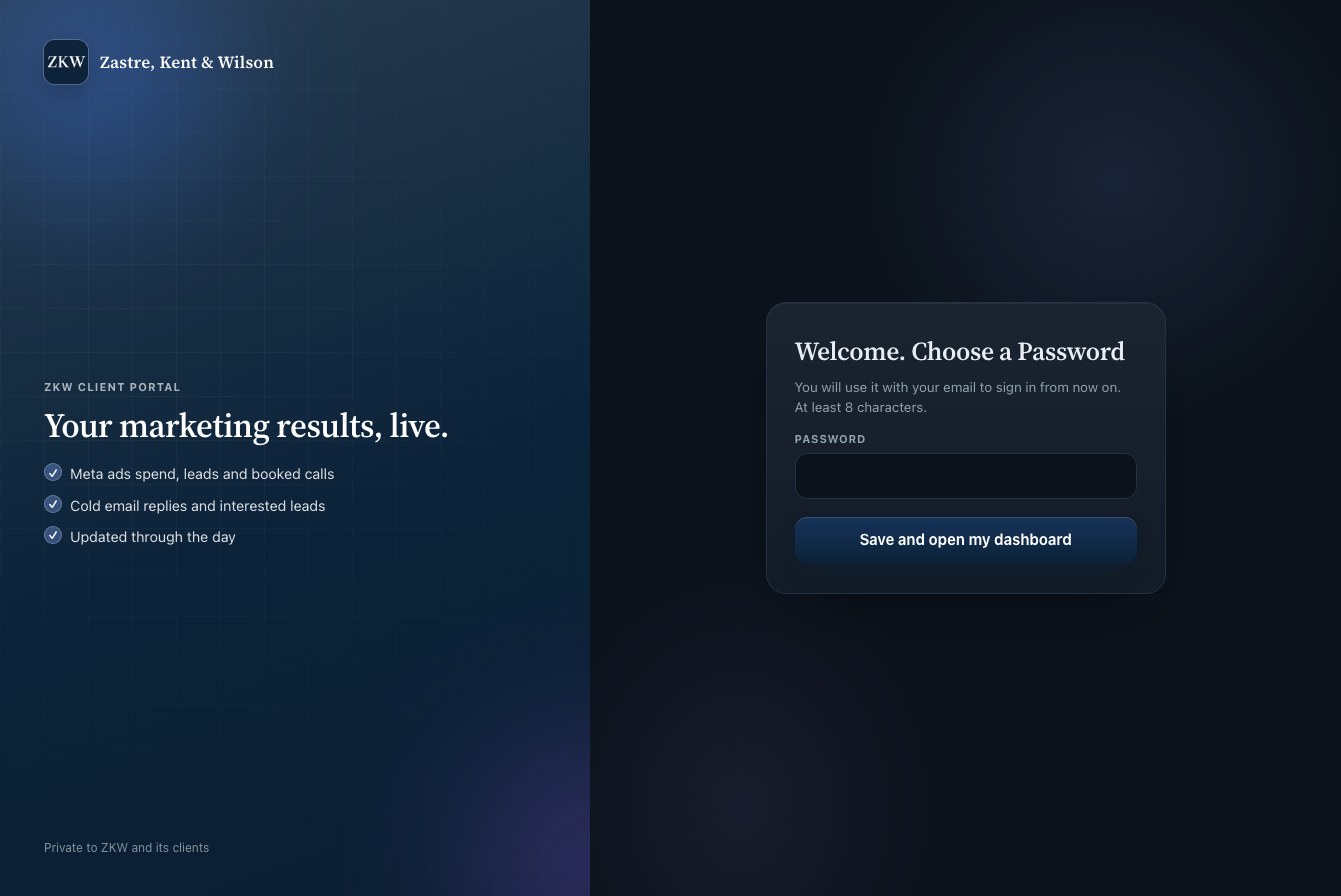
- Look in your email for a message called "You have been added to your company's dashboard".
- Press the button "Set your password and open it".
- Type a password. It needs at least 8 letters or numbers.
- Press "Save and open my dashboard". You are in!
Tip: The link in that email works for 14 days. If it stopped working, use "Forgot password?" on the sign in page.
Signing in after that
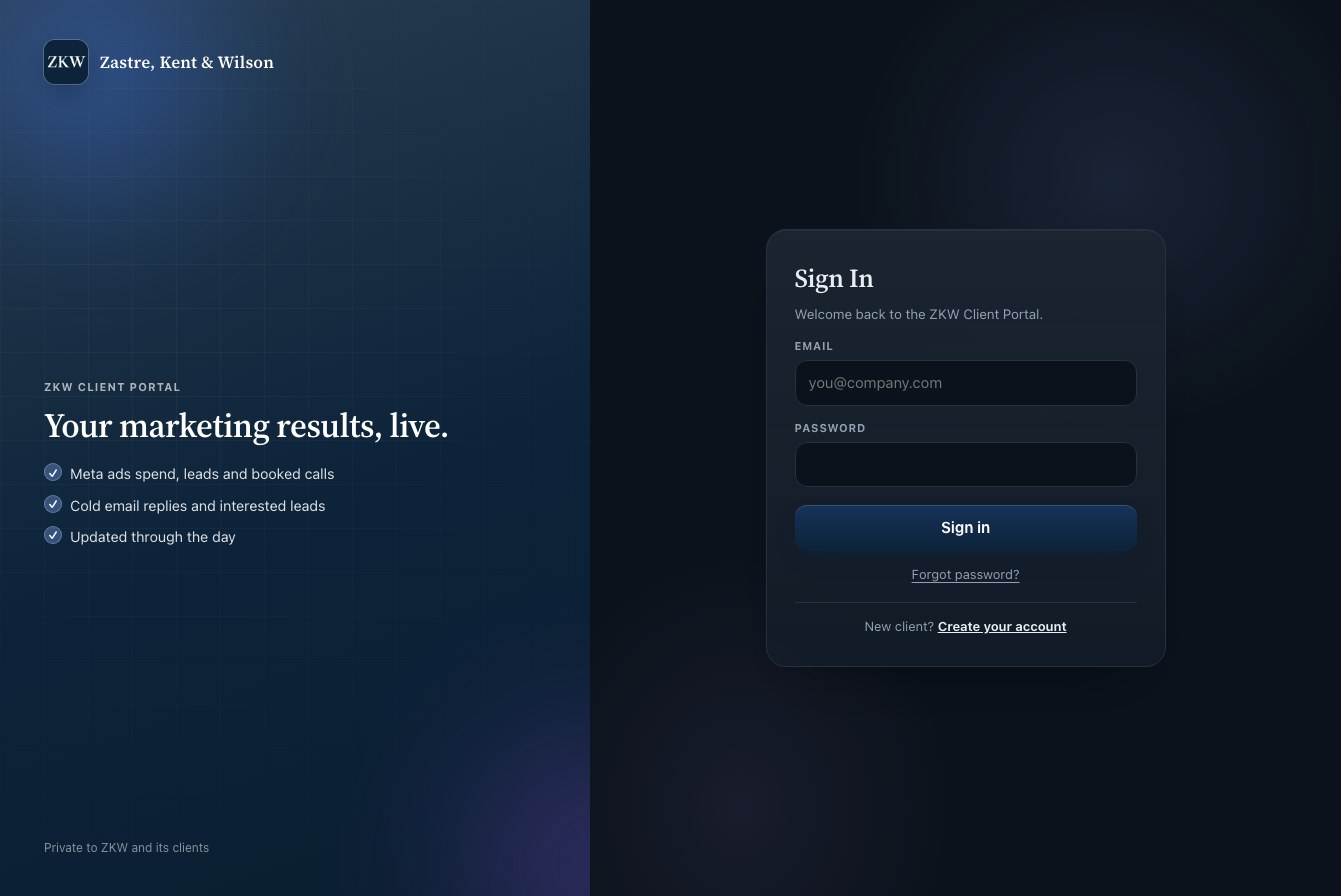
- Go to portal.zastrekentwilson.com.
- Type your email and your password.
- Press "Sign in".
Tip: Forgot your password? Type your email first, then press "Forgot password?". We email you a link to make a new one.
Finding your way around
The menu is on the left side of the screen. Click a word to open that page.
On a phone, press the ☰ button at the top to open the menu.
- Dashboard
- Your home page. A quick look at everything.
- Marketing
- How new people find you: Meta Ads (Facebook and Instagram), Cold Email and Funnels.
- Sales
- Your daily work: talk to leads, book calls, track deals and see your sales numbers.
- Setup
- Automations, and for owners, Staff and Settings.
- Help
- This guide.
Tip: Is a menu item grey and you can not click it? That part is not turned on for your company yet. Ask ZKW.
Owners and reps
There are two kinds of logins.
An Account Admin (the owner) can see and do everything, and also invite staff and change settings.
An Account Rep works the leads, calls and deals. Reps do not see Staff or Settings.
In this guide, pages that only owners can use say "Owners only".